
User Component
The User component adds a searchable drop-down containing Microsoft Entra or Team users.
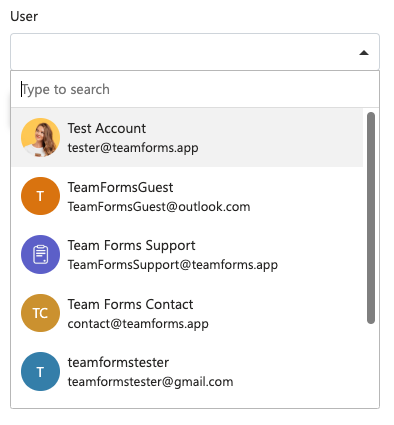
When a user is selected, Team Forms stores a user object containing details such as their display name and email address. These values can be referenced by calculations, email templates, and workflows.
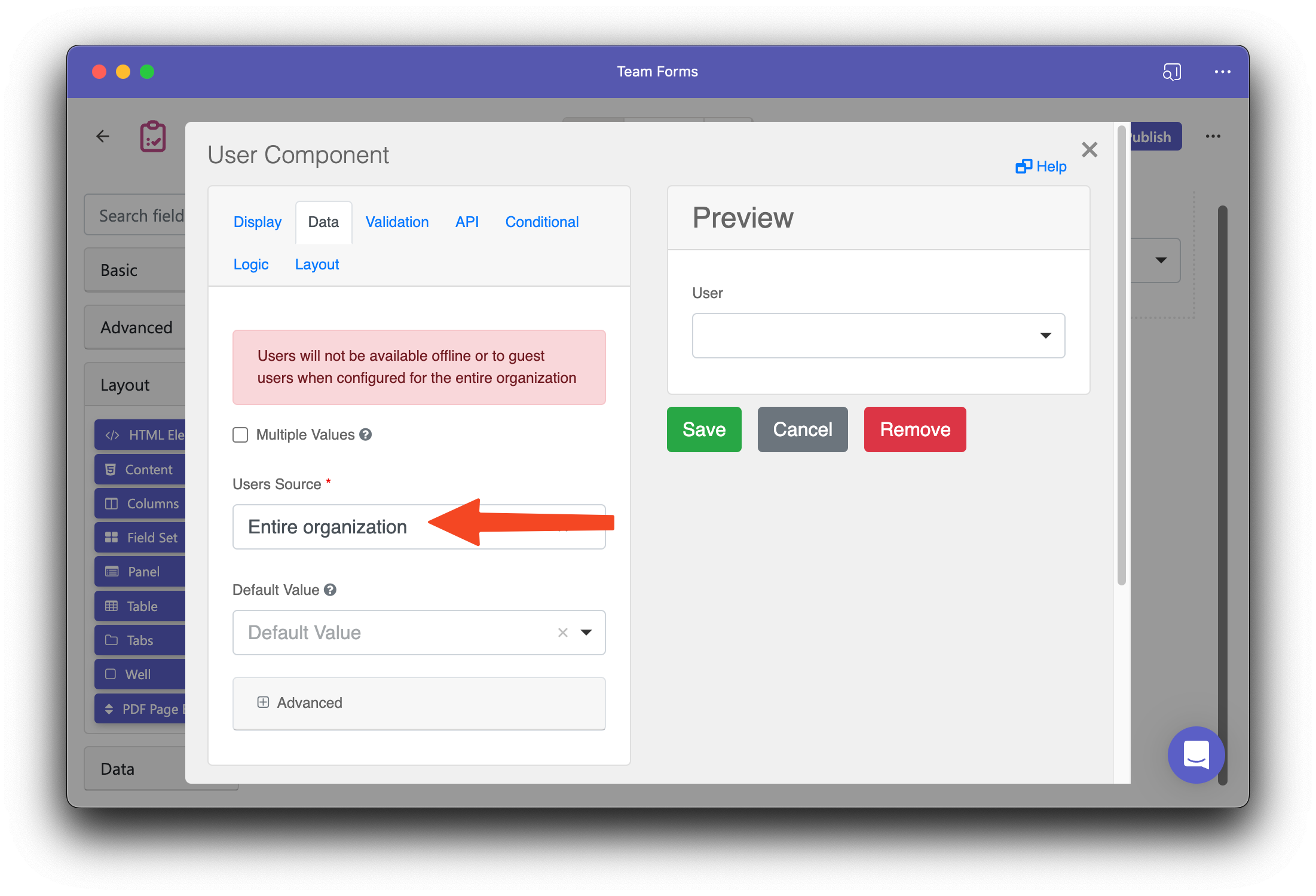
The Users Source setting supports:
- Team Members — users known to the Team’s SharePoint site.
- Entire organization — users returned from the organisation directory.
- Specific Users — an explicitly selected allow-list.
Enable Multiple Values to store an array of users. Advanced settings can retain only selected fields and refresh the available options when another answer changes.
Organisation directory policies can restrict what guest users are allowed to search. If an expected user is missing, see User not appearing in the User component.
For the exact source values, stored object shapes, and advanced schema properties, see User component schema.