Editing Submissions
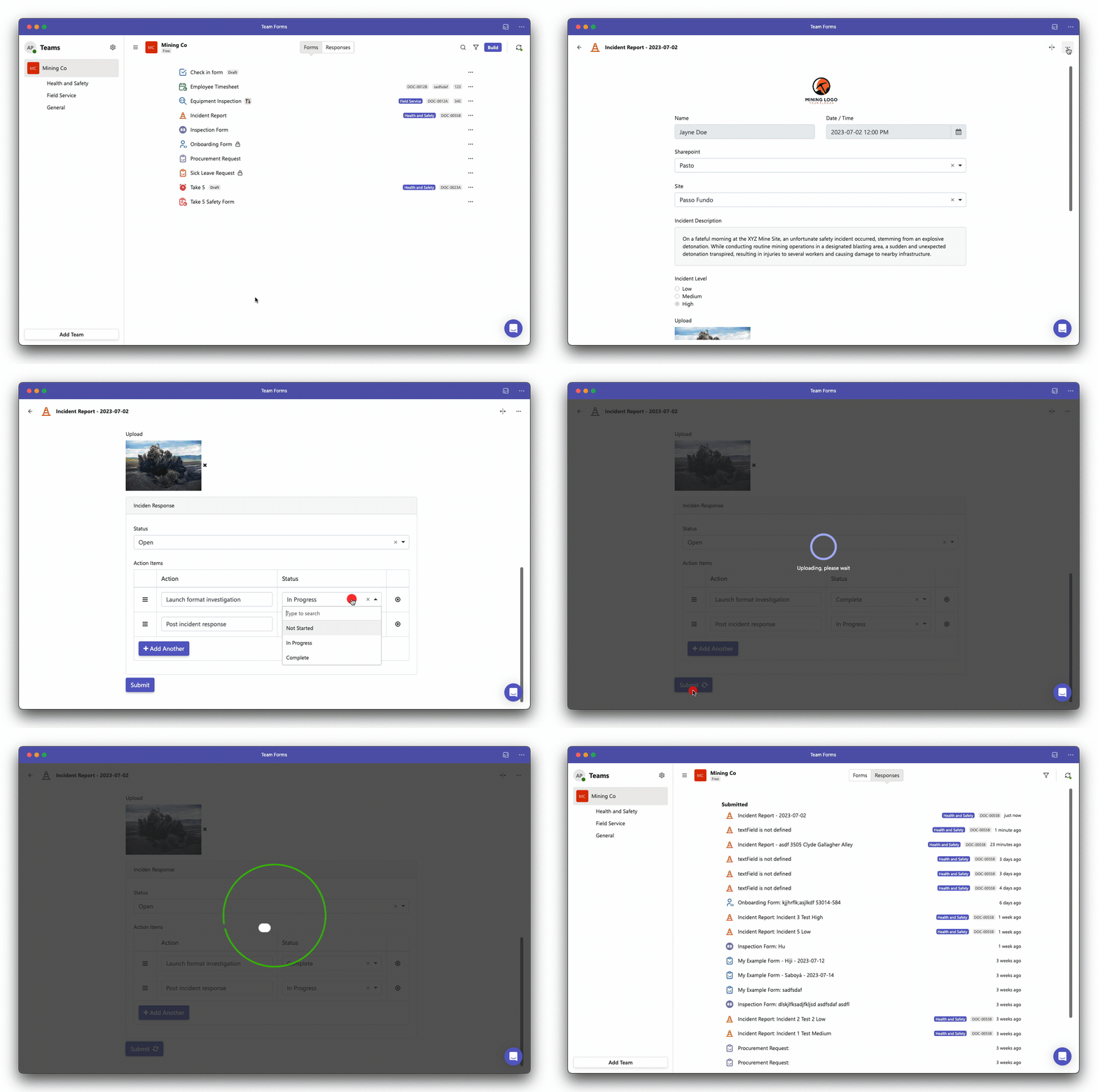
If your administrator has enabled the option to edit form responses after submission, you can easily modify an existing submission by following these steps:
-
Navigate to the “Responses” tab.
-
Locate the specific submission you wish to edit, either by applying filters or using the title.
-
Re-open the submission, which will open it in read-only mode.
-
In the top right-hand corner, click on the ”…” icon.
-
Select the “Edit” option and proceed to make the necessary changes.
-
After making the desired changes, click “Submit” to save the edited submission.