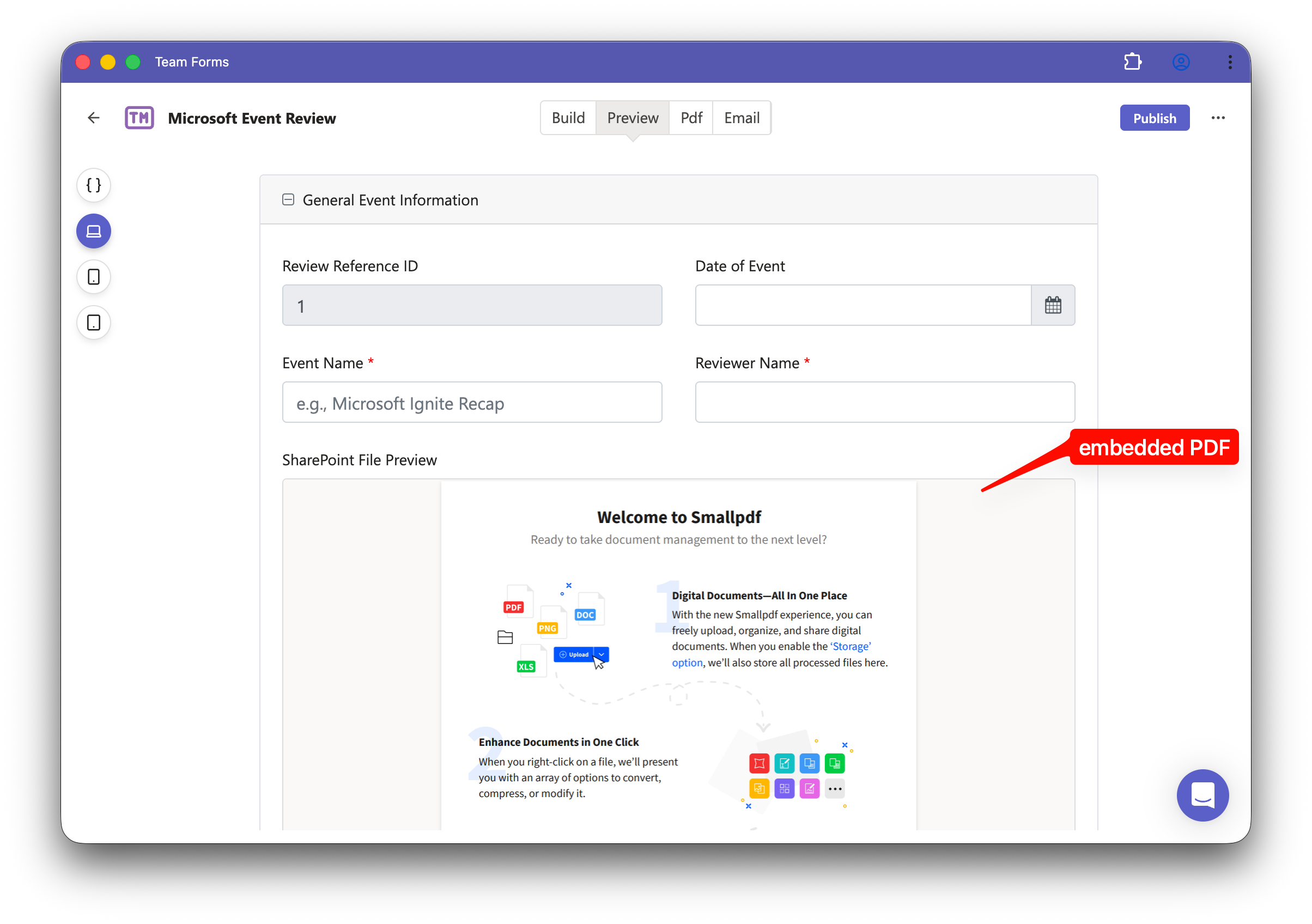
File Preview Component
The File Preview component displays an embedded SharePoint file inside your form.
Use it when respondents need to view a supporting document while completing the form, such as a PDF, PowerPoint, Word document, spreadsheet, image, policy, or report.
Before using this component, set up the file as a SharePoint File data source and choose File preview.
The preview is loaded live from SharePoint, so users can view the latest version without leaving the form.
For public share links, open the data source’s Advanced settings → Data access, choose Managed access, authorise the Microsoft connection, and turn on Public form access. Publish the form with the file preview source selected. See Managed access and public data sources for requirements and setup.
Limitations
-
Requires an online connection and will not work offline.
-
With User access, viewers need permission to the SharePoint file. Public share links require Managed access and Public form access.
-
Does not appear in generated PDFs.
-
The file type must be supported by SharePoint/OneDrive preview.