Remove a team from your workspace
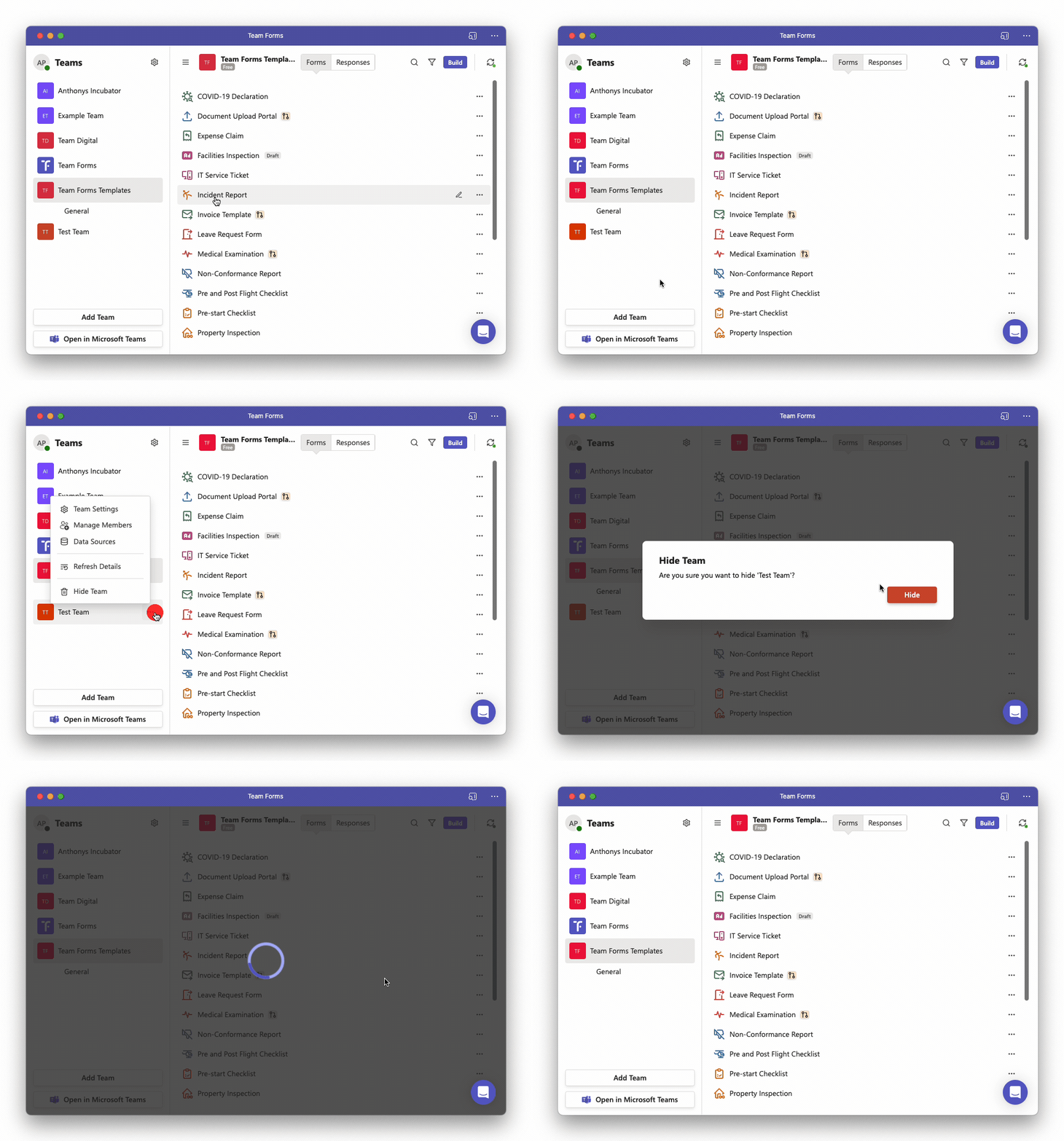
When using Team Forms from your web browser or as a personal app you can add multiple teams to your workspace to quickly switch between them. Follow the steps below to remove a team form your work space.
-
In the side bar, hover over the team you wish to remove this will revel the ”…” icon
-
Click the ”…” icon to show the context menu
-
Click “Hide Team” this will un map the team form your local workspace