Disabling Auto-Complete
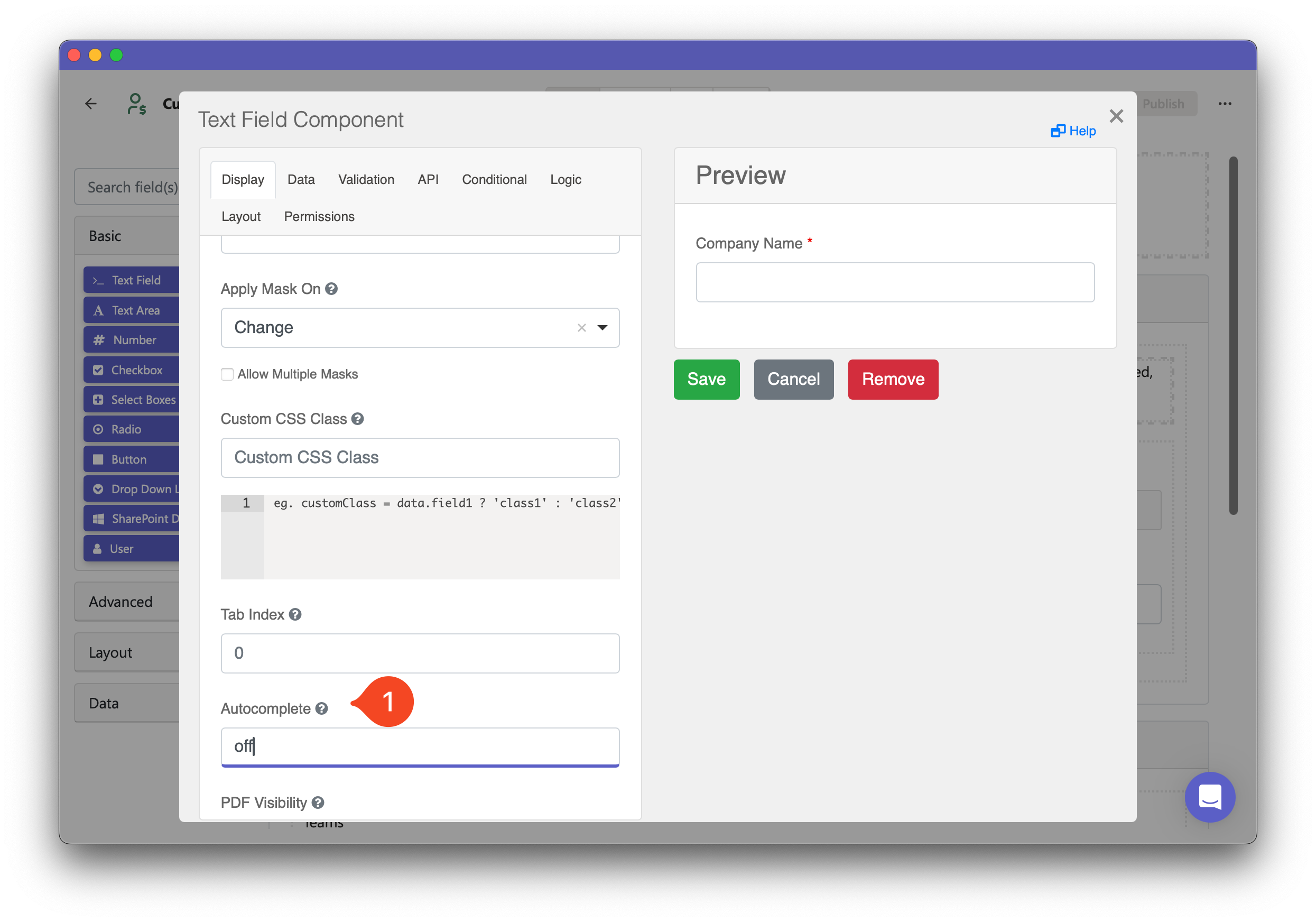
By default, web browsers may suggest auto-complete options when users fill out form questions. While this can be useful, there are cases where it’s not desirable. If you want to disable auto-complete for specific questions in your form, follow these steps:
-
Open the settings for the question you want to disable auto-complete for.
-
Go to the Display tab and scroll down to find the Autocomplete setting (it will be set to “On” by default).
-
Type “Off” in this setting to disable auto-complete.
To disable auto-complete for all questions in your form, you must update this setting for each question individually.