Add a team to your workspace
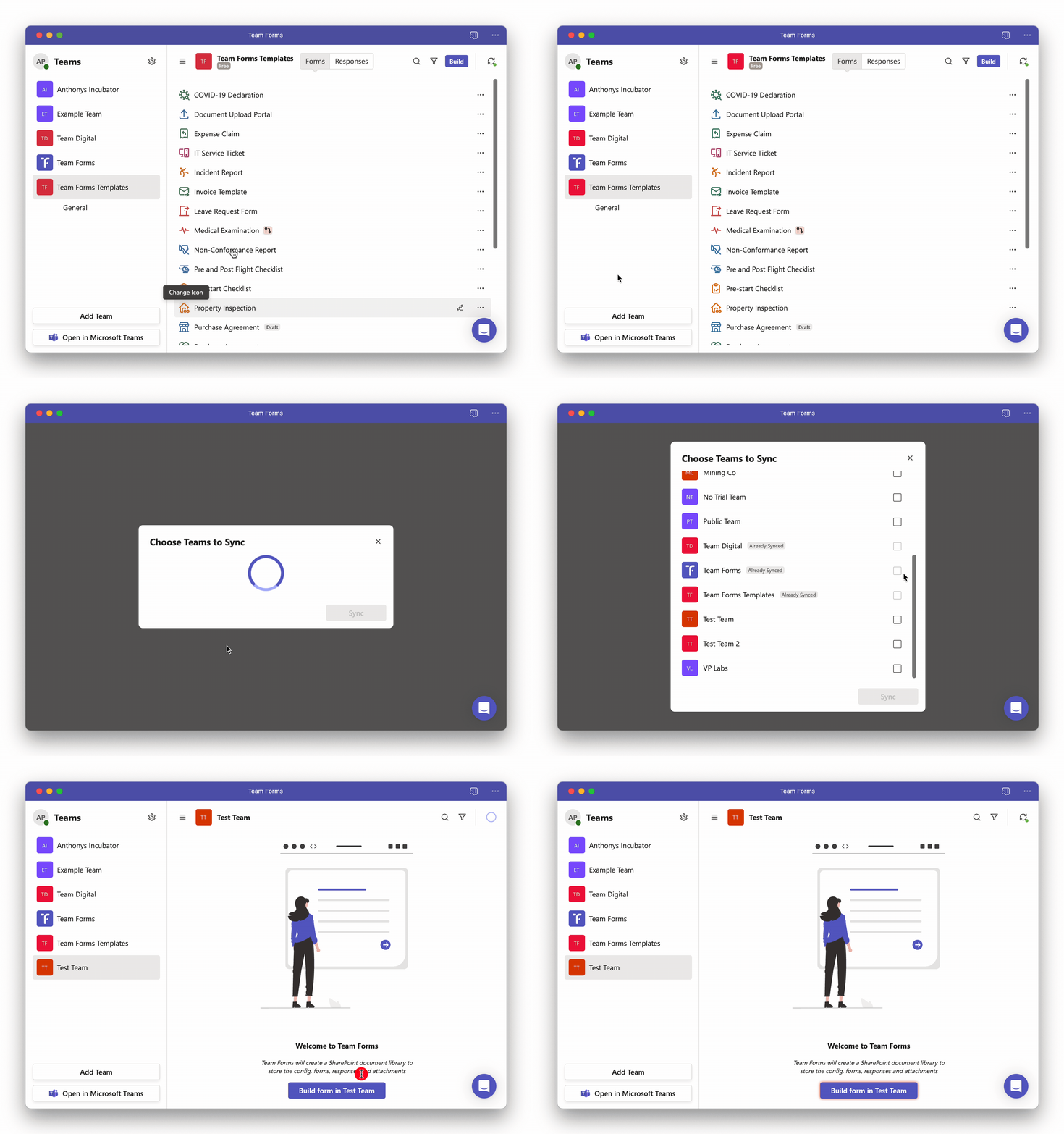
When using Team Forms from your web browser or as a personal app you can add multiple teams to your workspace to quickly switch between them. Follow the steps below to add another team to your workspace.
-
In the bottom left hand corner of the sidebar click “Add Team”
-
A dialogue will open listing all the teams that your a member of
-
Select the team you want to add then click “Sync”